When your hearing aids stop working, everyday conversations quickly become hard work again. Most faults have a simple cause. Low power, earwax, moisture, poor fit and a dropped Bluetooth connection are among the most common, and many can be fixed at home in a few minutes.
This guide shows the most common hearing aid problems, how to fix each one safely, and when it is time to ask an audiologist.
Common Hearing Aid Problems and First Fixes
Symptom | Most likely causes | First thing to try |
Won’t turn on | Flat battery, charger not connected. | New battery or charge them |
On but no sound | Blocked wax filter or dome | Change the filter and dome |
Muffled or weak sound | earwax, moisture, a change in your hearing | Clean, dry, then book a hearing test if it continues |
Whistling | Poor fit, earwax in the ear, cracked tube | Reinsert it. Have ears checked for earwax. |
Crackling or distorted | Low power, moisture, damaged wire or tube | Fresh battery, dry it out |
Won’t connect to phone | Bluetooth off, software update, pairing lost | Restart both, then pair again |
How to Troubleshoot Hearing Aids at Home
Work through these steps in order. Each one rules out a common cause before you move to the next.
- Check the power. For disposable batteries, use a fresh battery of the correct size. Peel off the sticker, wait about a minute (check the packaging), then insert it the right way round and close the door fully. For rechargeable hearing aids, seat them firmly in the charger and check the charger has power.
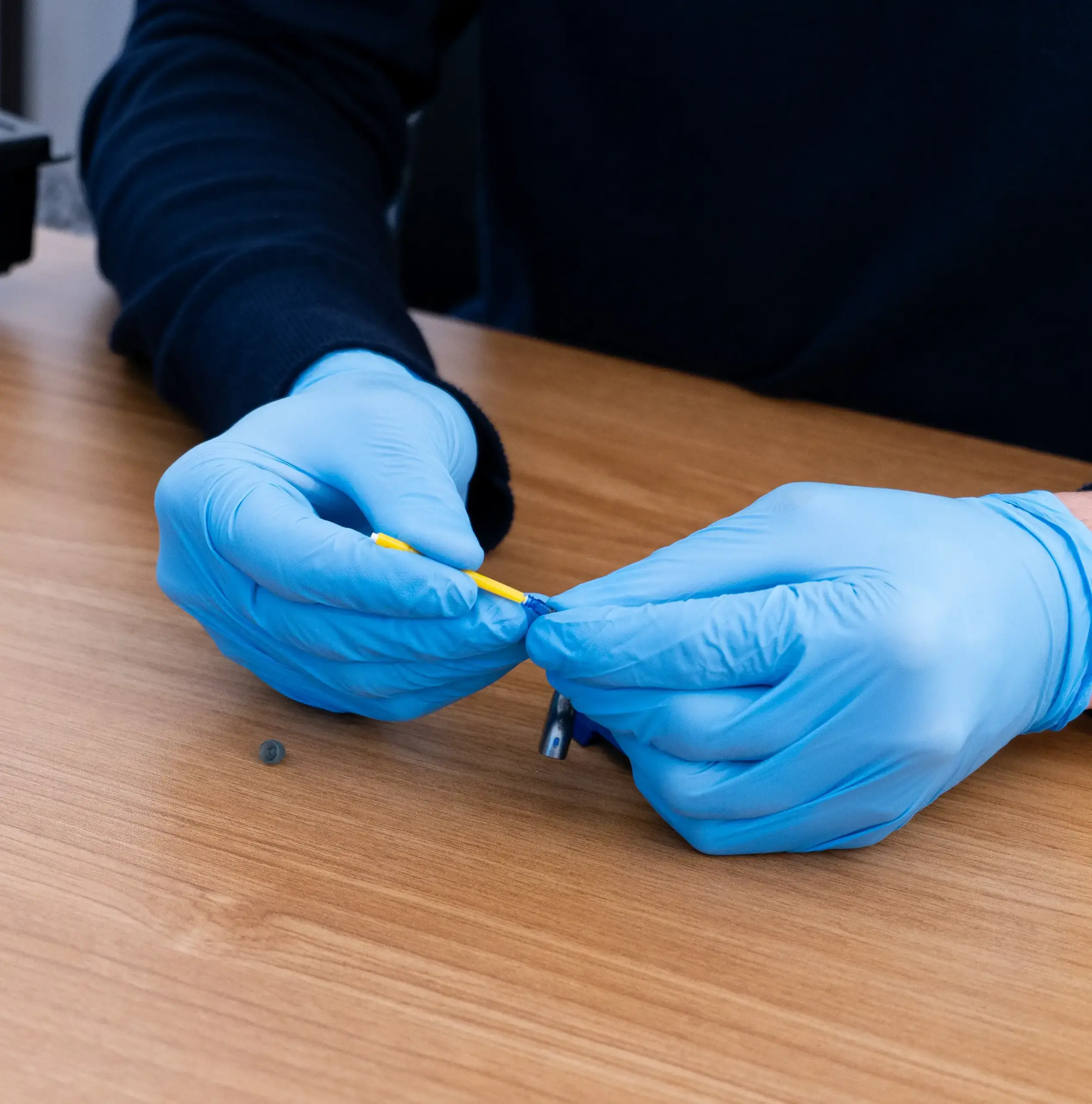
- Look for wax and debris. Check the wax filter, dome or earmold, sound outlet and microphone openings. Use the brush and tools supplied.
- Change parts that look blocked. Replace the wax filter and dome if they are clogged.
- Dry them if they got wet. Take them out, remove disposable batteries, wipe them dry and use a drying box overnight. Never use a hairdryer, microwave or radiator. Heat can damage them.
- Check the settings. It is easy to mute a hearing aid, change programme or lower the volume by accident, on the device or in the app.
- Restart. Switch off and on, or place in the charger and remove. If they will not connect to your phone, restart the phone too. If that fails, remove the hearing aids from your phone’s Bluetooth list and pair them again, following the manufacturer’s instructions.
Earwax and Your Hearing Aids
Earwax is one of the most common causes of a hearing aid that sounds weak, muffled or dead. Your hearing aids sit in your ears for hours every day, so wax and skin flakes collect on the wax filter, dome and microphone openings. Wax in your ear canal can also block sound before it reaches your eardrum.
If your ears feel blocked, do not use cotton buds. It can push wax in and make it worse. Book professional ear wax removal instead. People who wear hearing aids may be advised to have their ears checked every 6 to 12 months, or as their audiologist advises.
When Your Hearing Has Changed
If your hearing aids seem to have slowly become less helpful, the problem may be your hearing, not the device. Hearing can change over time. A hearing test and reprogramming can help the hearing aids match your hearing again.
How to Prevent Common Hearing Aid Problems
- Clean them regularly. Use the tools recommended for your device. Check for wax and debris around the microphone, speaker and sound outlet.
- Keep them dry. Take them out before showering or swimming unless they are made for water. Store them somewhere dry.
- Look after the power. Keep spare disposable batteries handy. For rechargeable aids, use the right charger and keep the contacts clean. Rechargeable batteries wear out over time. If yours hold less charge than they used to, ask your audiologist about a battery replacement.
- Handle them with care. Avoid drops and heat. Keep them in their case when you are not wearing them.
- Book regular check-ups. A professional check can spot blocked parts, poor fit or a change in your hearing before they become a problem.
When to Get Professional Help
Book an appointment with your hearing aid provider if:
- A hearing aid stays silent, cuts out or crackles after you have worked through the steps above
- It whistles when worn, even after reinserting it and changing the dome
- The casing is cracked, the wire is damaged or the tube has split
- It still does not work properly after being dried out
- Your hearing aids seem less helpful than they used to
- To know when you should get a professional ear wax removal or a hearing aid, read this blog: “Do You Need Ear Wax Removal or a Hearing Test? How To Tell the Difference?”
Conclusion
Most hearing aid problems come down to power, wax, moisture, fit or a lost Bluetooth connection, and many can be fixed at home in minutes. Start with the battery, clean and replace the filter and dome and check the settings.
Hearing aids still not working?
Book a hearing aid check with Direct Ear Care. Our HCPC-registered audiologists will look for the cause and advise on the next step.
Frequently Asked Questions
Why are my hearing aids not working?
Hearing aids stop working for simple reasons: a low battery, a blocked sound outlet or wax filter, earwax, moisture, or poor fit. A flat battery is one of the most common and easiest to fix. If basic checks do not help, book a hearing aid check.
Why are my hearing aids on but producing no sound?
Check the volume and mute setting first, including in the app. Then look at the sound outlet, wax filter and dome or ear mould for blockages. Clean with the tools supplied. If they are still silent after these checks, the microphone, speaker or another part may need professional attention.
Why do my hearing aids keep cutting out?
A weak battery is the usual cause, even when it is newly fitted. Try a fresh battery or a full charge and check the battery door and contacts for dirt or damage. If it only cuts out when streaming from your phone, restart both devices. If it carries on, you may need professional servicing.
Can earwax cause my hearing aids to stop working?
Yes. Wax can block the wax filter, dome and sound outlet, which makes the hearing aid sound weak or muffled. Wax in your ear canal can also stop sound reaching your eardrum and may add to whistling. If you think earwax is the problem, an audiologist can examine your ears and remove it if needed.
What should I do if my hearing aids get wet?
Take them out, remove disposable batteries and wipe them dry. Then follow the manufacturer’s drying instructions. A drying box or dehumidifier can help with everyday moisture. Do not use a hairdryer, microwave or radiator, because heat can damage them.
Written and medically reviewed by:

Ibrahim Musa
Audiologist
Related posts
10 Signs You May Need Hearing Aids

How to Choose the Right Hearing Aid in Manchester